Build a RAG Pipeline with Next.js and pgvector
A complete walkthrough of building a production-ready retrieval-augmented generation system using Next.js, OpenAI embeddings, and pgvector.
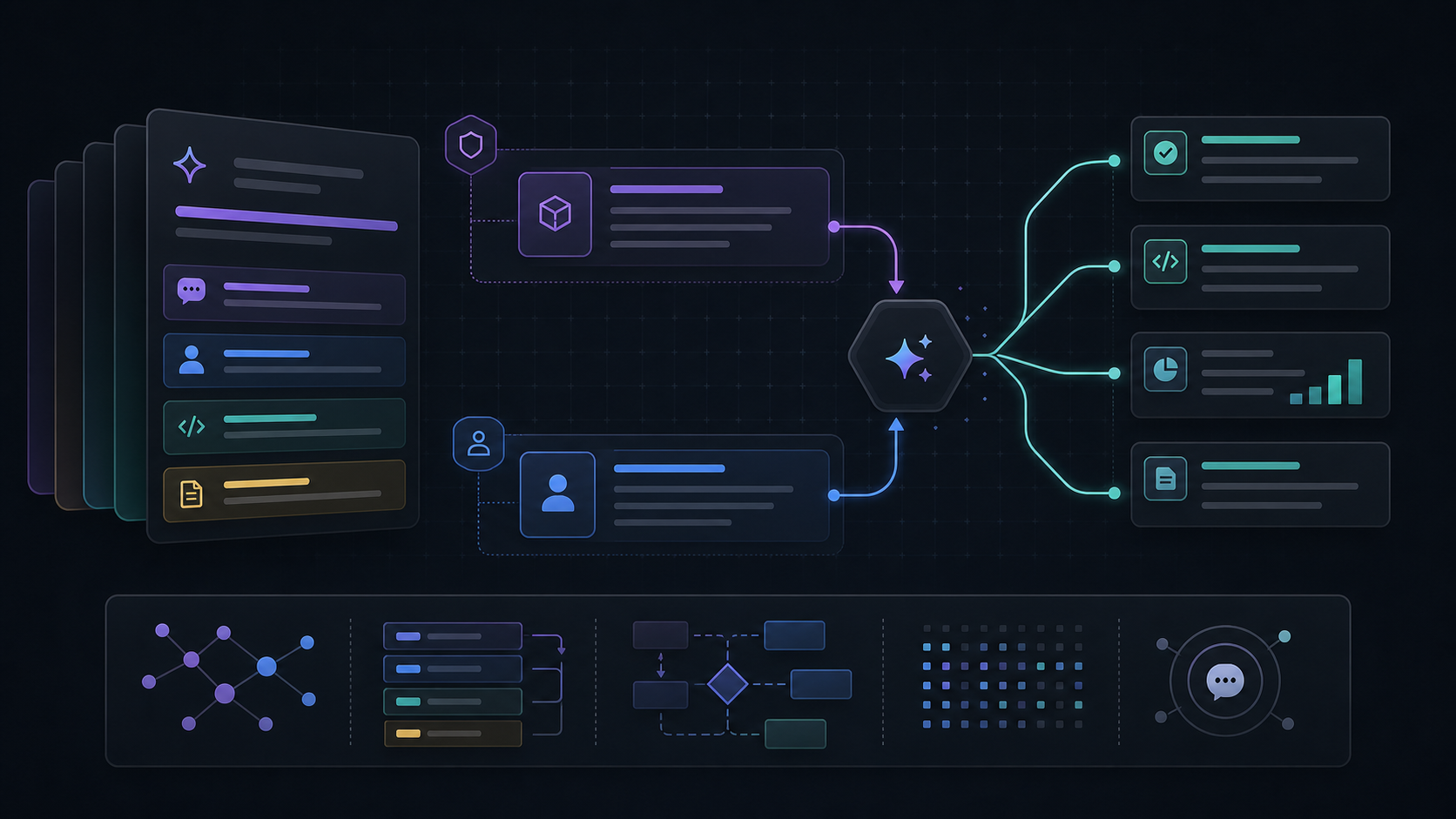
Overview
Retrieval-augmented generation works best when the retrieval layer is treated as product infrastructure rather than an afterthought. You are not just adding vector search. You are designing a context-delivery pipeline.
In this tutorial, the core system has four stages:
- content ingestion
- embedding generation
- vector retrieval
- prompt assembly and answer generation
Prerequisites
- working knowledge of Next.js App Router
- PostgreSQL with
pgvector - API access for embeddings and chat completions
Project Shape
| Layer | Responsibility |
|---|---|
| ingestion | normalize documents and chunk content |
| storage | persist chunks, embeddings, metadata |
| retrieval | fetch the highest-similarity chunks |
| generation | assemble prompt context and answer |
Step 1: Define the ingestion model
Good RAG systems begin with consistent chunk metadata. That is what makes retrieval debuggable later.
1type DocumentChunk = {2 id: string3 source: string4 title: string5 section: string6 content: string7 tokenCount: number8}Step 2: Store vectors in PostgreSQL
pgvector keeps the storage model simple for an MVP and leaves room for stronger filtering and relational joins later.
1create extension if not exists vector;23create table knowledge_chunks (4 id text primary key,5 source text not null,6 title text not null,7 section text not null,8 content text not null,9 embedding vector(1536) not null10);Step 3: Query by similarity
Retrieval is where most RAG quality issues surface first. Keep the retrieval function isolated so you can evaluate it separately from generation.
1export async function searchKnowledgeBase(embedding: number[]) {2 return db.execute(sql`3 select id, source, title, section, content4 from knowledge_chunks5 order by embedding <=> ${embedding}6 limit 57 `)8}Step 4: Build the final prompt
The answer quality depends heavily on how you format retrieved context. The model needs constraints, not just more text.
Retrieved context should be explicit, bounded, and source-aware. Dumping raw chunks into a giant prompt usually lowers answer quality instead of improving it.
Evaluation ideas
- log retrieved chunk IDs with every answer
- compare retrieval quality separately from answer quality
- test failure cases where the answer should be “not enough context”
Summary
The durable pattern is simple: predictable chunking, traceable retrieval, and disciplined prompt assembly. Once that exists, model upgrades become much less risky.