AI Agent Workflow for QA
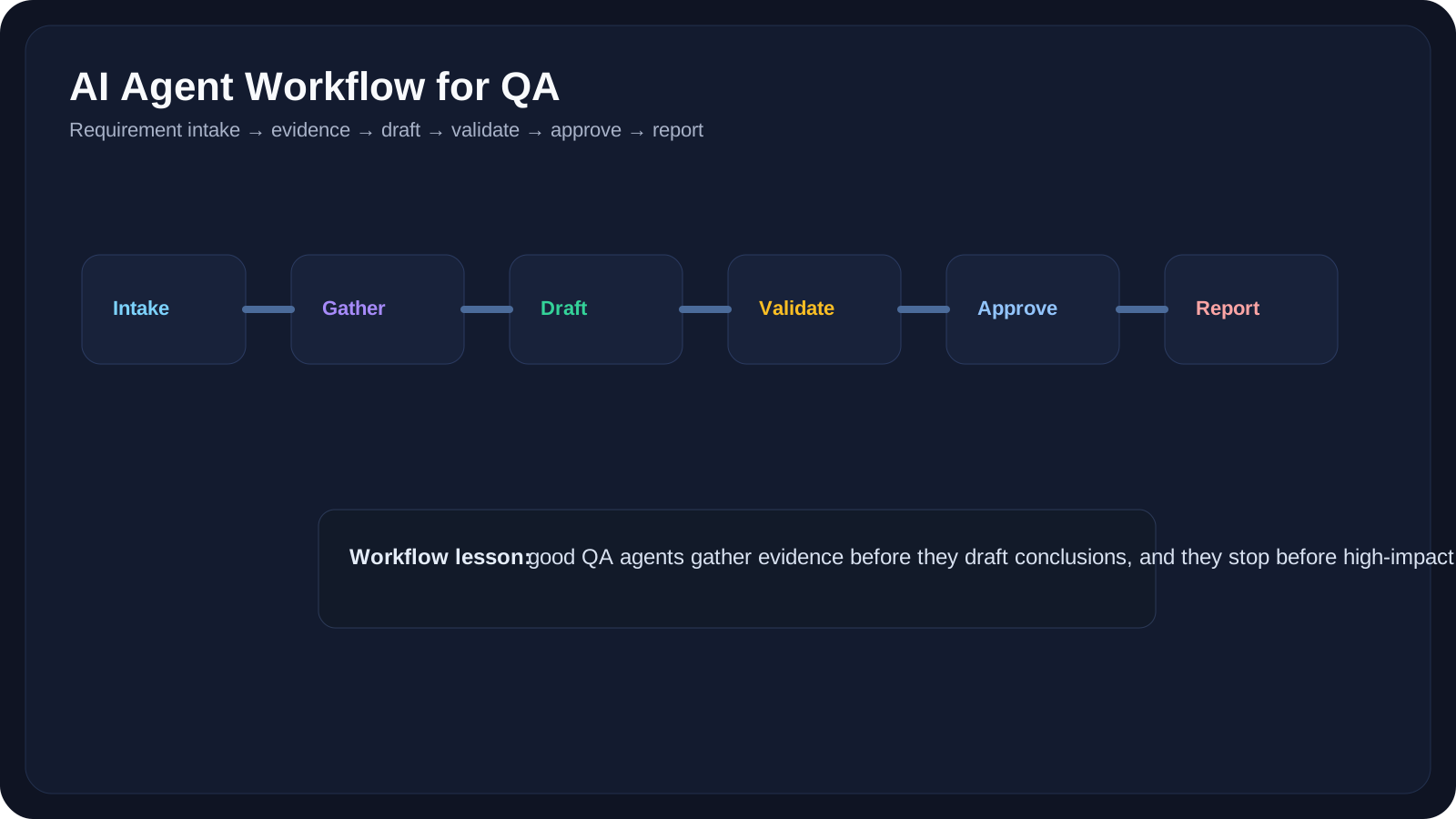
Map requirement analysis, test generation, execution support, triage, and reporting into an agentic QA workflow.
Overview
The earlier lessons explained what agents are, how they use tools, and how they keep track of state. This lesson brings those pieces together into a practical QA workflow.
The key question is:
What would a realistic agentic QA flow actually look like?
A good QA agent workflow should not feel magical. It should feel:
- explicit
- reviewable
- evidence-based
- approval-aware
This lesson focuses on a single-agent workflow first, because that is where most teams should start before attempting multi-agent coordination.
Learning Goals
- Design a realistic single-agent QA workflow
- Map agent steps to real QA activities
- Place human approval in the correct parts of the flow
- Separate evidence gathering from decision making
- Recognize where agentic QA adds value and where simpler automation is better
A Basic QA Agent Workflow
Here is a practical pattern:
- receive a testing goal
- gather required context
- identify missing information
- call tools or fetch resources
- generate an intermediate result
- validate against evidence
- stop for approval or continue
- produce a final output
Example Use Case: Requirement-to-Test Workflow
Goal:
- review a new checkout requirement
- identify risks
- draft test ideas
- classify smoke vs regression
Possible flow:
- read PRD
- read acceptance criteria
- check related historical bugs
- extract risk areas
- draft test scenarios
- classify test priority
- stop for QA review
That is a useful agent workflow because it combines:
- tool use
- context retrieval
- reasoning across steps
- a human approval boundary
Where It Must Not Overreach
The agent should not:
- decide release status on its own
- file destructive updates automatically
- invent business rules
- assume test coverage is complete without evidence
10 QA Workflow Examples
Example 1: Requirement Review Workflow
Outputs:
- summary
- ambiguities
- test risks
- questions for product
Example 2: Test Case Drafting Workflow
Outputs:
- positive cases
- negative cases
- edge cases
- regression tags
Example 3: API Change Review Workflow
Outputs:
- impacted endpoints
- missing auth cases
- schema drift warnings
Example 4: Bug Triage Workflow
Outputs:
- probable category
- suggested severity
- likely duplicate hints
Example 5: Flaky-Test Investigation Workflow
Outputs:
- likely cause
- supporting evidence
- recommended next debug step
Example 6: Release Readiness Workflow
Outputs:
- open risks
- blocking signals
- test status summary
- approval-ready report
Example 7: Regression Planning Workflow
Outputs:
- impacted areas
- recommended suites
- high-risk focus list
Example 8: Environment Validation Workflow
Outputs:
- readiness check result
- missing dependency
- retry recommendation
Example 9: Defect Documentation Workflow
Outputs:
- clearer bug summary
- reproducible steps
- likely subsystem
Example 10: QA Reporting Workflow
Outputs:
- executive summary
- engineering summary
- release note draft
Where Human Review Belongs
Human review is especially important before:
- changing defect severity
- approving release readiness
- triggering production-adjacent actions
- finalizing test strategy
- publishing executive status updates
That means many QA workflows should end in:
- a recommendation
- a draft
- a queue for review
not a fully automated decision.
Practical Work
Exercise 1: Draft a Single-Agent QA Workflow
Choose one use case and define:
- goal
- inputs
- tools
- intermediate outputs
- approval step
- final output
Exercise 2: Mark the Stop Conditions
For the same workflow, define when the agent should:
- continue
- stop successfully
- wait for approval
- stop as blocked
Exercise 3: Remove Unnecessary Complexity
Look at your design and ask:
- can any step be a plain script instead?
- does every tool call really need an agent decision?
- which part is genuinely adaptive?
Reference Links
- OpenAI Agents SDK Guide
- OpenAI Agents SDK Integrations and Observability
- Anthropic: Building Effective AI Agents
- LangGraph Overview
YouTube Resources
- OpenAI Agents SDK Tutorial
- How to Build Effective AI Agent Workflows
- LangGraph Agent Workflow Tutorial
Key Takeaways
- A QA agent workflow should look like an explicit process, not a black box.
- Evidence gathering and approval placement matter more than agent autonomy.
- Single-agent workflows are the right starting point for most teams.
- A good workflow has clear stop conditions, outputs, and review boundaries.
- If a workflow is not adaptive, it may not need to be agentic at all.
Next Step
The next lesson expands from one agent to several: Multi-Agent Systems for QA explores when specialist agents help and when they only create coordination overhead.