Evaluating and Operating AI Agents
Learn how to trace, evaluate, observe, and operate agents safely in real QA and engineering workflows.
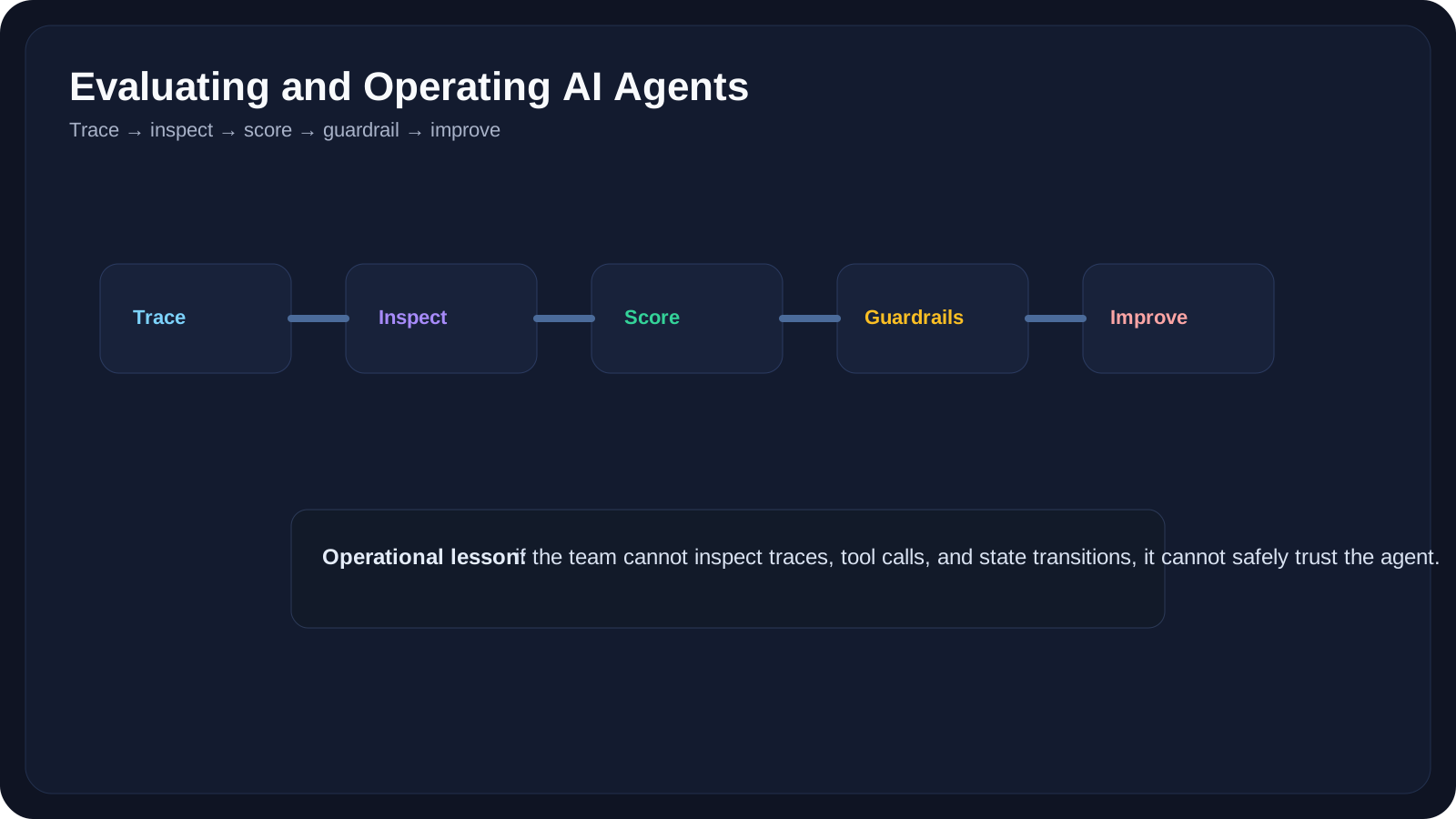
Overview
This lesson closes Level 8 with the question every real team eventually faces:
How do we know whether an agent is actually working well enough to trust?
Agents are not evaluated like normal software.
A traditional script may fail at one obvious line.
An agent may:
- take many steps
- call many tools
- partially succeed
- use stale evidence
- produce a plausible but unsafe answer
That is why evaluation and observability matter so much.
OpenAI’s agent observability guidance emphasizes tracing and evaluation loops. Datadog’s OpenAI observability integration similarly focuses on end-to-end tracing, operational performance, and output quality. These ideas map naturally to QA thinking because QA teams already care about:
- evidence
- reproducibility
- failure analysis
- risk thresholds
A Practical Note for QA Learners
If you only remember one line from this lesson, make it this:
An agent you cannot inspect is an agent you cannot trust.
Learning Goals
- Understand why agent evaluation is harder than normal software testing
- Learn the role of traces, logs, tool-call history, and state inspection
- Design simple QA-friendly evaluation criteria
- Recognize runtime safety and operational guardrails
- Apply observability thinking to real agent workflows
What to Observe
At minimum, a production-grade agent workflow should make it possible to inspect:
- the goal it received
- the context it used
- the tools it called
- the outputs those tools returned
- the state transitions it made
- the final answer or action
This is the agent equivalent of debugging evidence.
Why Traces Matter
Traces tell the story of what happened across steps.
Without traces, you may only see:
- wrong final answer
With traces, you can see:
- which tool was called
- what data came back
- where the system made a weak decision
- whether it stopped too early
What to Evaluate
Different agent workflows need different metrics.
Example Dimensions
- correctness
- completeness
- evidence quality
- tool-use efficiency
- approval compliance
- safety
- usefulness to humans
QA Example Metrics
Requirement Review Agent
- did it find major ambiguities?
- did it invent unsupported claims?
- were questions useful?
Defect Triage Agent
- was the probable category reasonable?
- did it use the right evidence?
- did it respect approval boundaries?
Release Summary Agent
- did it include the right blockers?
- did it miss critical risk?
- did it overstate certainty?
10 QA-Friendly Examples
Example 1: Trace Every Tool Call
Collect:
- tool name
- input
- output
- timestamp
Example 2: Score Output Quality
Use a rubric like:
- useful
- incomplete
- misleading
- unsafe
Example 3: Detect Over-Calling
Check whether the agent is calling too many tools for simple tasks.
Example 4: Detect Under-Calling
Check whether the agent gave an answer without gathering enough evidence.
Example 5: Approval Compliance
Verify that the system actually paused when a human gate was required.
Example 6: Compare Against Gold Cases
Use a small evaluation set of known QA tasks and compare outputs over time.
Example 7: Runtime Cost Review
Track:
- steps
- latency
- token cost
- tool cost
Example 8: Failure Taxonomy
Classify agent failures into:
- wrong tool
- stale data
- weak reasoning
- bad handoff
- missing approval
Example 9: Human-Usefulness Scoring
Ask QA reviewers:
- did this save time?
- did it add review burden?
- would you trust it again?
Example 10: Regression Testing for Agents
Re-run a fixed evaluation set after prompt, tool, or workflow changes.
Operational Guardrails
Guardrail 1: Read-Only by Default
Do not start with high-impact write actions.
Guardrail 2: Approval Before Critical Actions
Especially for:
- release status
- bug severity
- ticket creation at scale
Guardrail 3: Explicit Stop Conditions
Do not let the system loop forever.
Guardrail 4: Auditability
Make sure the team can inspect what happened later.
Guardrail 5: Rollback and Disable Paths
If the workflow goes wrong, you need a clear fallback plan.
Practical Work
Exercise 1: Create an Evaluation Rubric
Pick one QA agent use case and define:
- what good looks like
- what failure looks like
- what unsafe behavior looks like
Exercise 2: Define the Trace You Need
Write down the minimum trace fields you would need to debug:
- wrong test recommendation
- bad defect classification
- incorrect release summary
Exercise 3: Add a Human Trust Check
For one workflow, add a simple reviewer question:
- Would a QA lead trust this output enough to act on it?
Then define what would make the answer become no.
Reference Links
- OpenAI Agents SDK Integrations and Observability
- OpenAI Agents SDK Evaluate Agent Workflows
- Datadog LLM Observability for OpenAI Agents
- Anthropic Engineering Blog
YouTube Resources
- Building Better AI Agents: Observability and Evaluation
- Tracing and Evaluating Agent Workflows
- How to Debug AI Agents
Key Takeaways
- Agents must be observable if they are going to be trusted.
- Good evaluation looks at process quality, not only final output quality.
- QA teams are well-positioned to evaluate agents because they already think in terms of evidence, reproducibility, and risk.
- Operational guardrails such as approvals, audit logs, and stop conditions are part of product quality, not optional extras.
- Finishing Level 8 means treating agents as engineering systems, not as clever demos.
Next Step
Level 9 will build on these ideas by introducing Retrieval Augmented Generation, where the focus shifts from agent behavior to grounded knowledge retrieval and enterprise reliability.