AI Tools Playbooks for QA Teams
Use ChatGPT, Claude, GitHub Copilot, Microsoft Copilot, and Copilot Studio effectively across PRD analysis, test generation, automation, and triage workflows.
Overview
By this point in the course, we have covered AI concepts, prompting, QA workflows, and automation engineering. The next practical question is:
Which AI tool should I use for which QA task, and how exactly should I use it?
That is what this lesson answers.
Instead of comparing tools in the abstract, this lesson gives you a playbook for using major industry tools across real QA work:
- PRD and requirement analysis
- test case generation
- automation drafting
- API testing support
- defect triage
- reporting and stakeholder communication
The goal is not to crown a single winner. The goal is to help QA teams build a small, effective tool stack and use each tool in the place where it provides the most value.
That is why this lesson appears after the workflow-specific lessons in Level 7. First we explored how AI helps in testing, automation, UI flows, API validation, and debugging. Now we consolidate that experience and decide which tool fits which kind of QA work best.
A Practical Note for QA Learners
Do not try to force one AI tool to do everything.
Use this lesson as a workflow map:
- use one tool for deep document analysis
- one for coding in the IDE
- one for organization-wide copilots or enterprise content
- one for agent and workflow orchestration
That is usually more effective than treating all tools as interchangeable.
Learning Goals
- Choose the right AI tool for the right QA task
- Use at least five major AI tools in practical QA workflows
- Follow repeatable step-by-step playbooks for requirements, testing, automation, and triage
- Understand where each tool fits best and where human review remains essential
The Tool Stack at a Glance
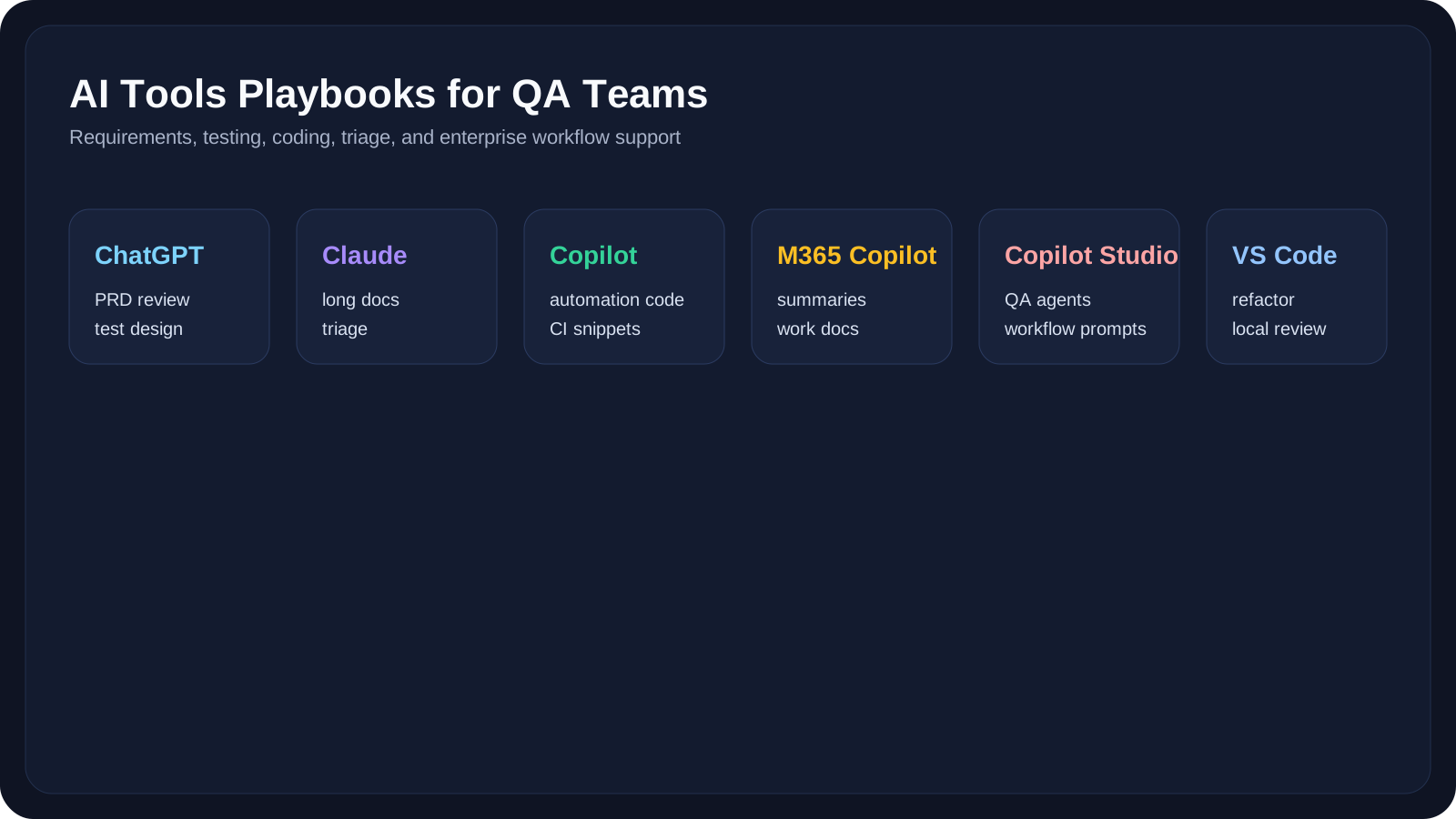
| Tool | Best Fit | Strongest QA Use |
|---|---|---|
| ChatGPT | flexible drafting and iteration | PRD review, test design, summaries, payload ideas |
| Claude | long-context reasoning and careful analysis | large specs, defect triage, test planning, nuanced review |
| GitHub Copilot | code generation inside repo context | Playwright, Selenium, Cypress, helper methods, CI snippets |
| Microsoft Copilot | work-grounded productivity and document workflows | requirement review, status notes, test summaries, enterprise collaboration |
| Microsoft Copilot Studio | agent, workflow, and knowledge-based copilots | internal QA assistants, reusable QA flows, governed automation prompts |
| VS Code + Copilot Chat / agent mode | local editing and iterative coding loop | test refactoring, debugging, fixture extraction, prompt-to-code refinement |
1. ChatGPT Playbook
ChatGPT is most useful when QA teams need a flexible working partner for drafting, refining, and iterating. It works especially well when you want to upload requirement documents, compare outputs across several prompts, and quickly turn raw notes into structured QA artifacts.
Best QA Tasks
- PRD analysis
- test case generation
- exploratory testing charters
- defect summaries
- release note drafting
Step-by-Step: PRD to Test Cases in ChatGPT
- Open ChatGPT and create a project for the feature or release.
- Upload the PRD, acceptance criteria, screenshots, or notes.
- Start with this prompt:
1Act as a senior QA engineer.2Review this PRD and produce:3- feature summary4- ambiguous areas5- risk areas6- positive scenarios7- negative scenarios8- boundary scenarios9- regression areas- Review the result and ask follow-up prompts such as:
What high-risk cases are still missing?Turn these into a test case table.Which cases should be smoke vs regression?
- Export the refined output into your team format.
Step-by-Step: Defect Triage in ChatGPT
- Paste the bug report, logs, screenshot, and expected behavior.
- Prompt:
1Summarize this defect.2Return:3- probable failing area4- likely user impact5- possible duplicates6- recommended severity candidates- Compare AI output against the real product context before updating the ticket.
2. Claude Playbook
Claude is especially strong when the input is large, ambiguous, or document-heavy. It is a good fit when a QA engineer needs careful reasoning over long requirement sets, policy documents, release notes, API docs, or failure investigations.
Best QA Tasks
- large PRD analysis
- full API spec review
- defect root cause reasoning
- long test plan drafting
- requirement contradiction detection
Step-by-Step: Large Document Review in Claude
- Open Claude and create a feature-focused workspace or project.
- Paste or upload the full PRD, backend notes, and supporting docs.
- Use this prompt:
1Act as a senior QA lead.2Review these materials and identify:3- missing scenarios4- conflicting rules5- test risks6- assumptions that need validation7- questions for product or engineering- Ask Claude to classify the findings into:
- functional
- integration
- negative
- non-functional
- Turn the final output into a review checklist.
Step-by-Step: Failure Investigation in Claude
- Paste the failing logs and recent change summary.
- Ask:
1Review this failure and infer:2- most likely root cause3- whether the issue looks like test bug, data problem, or product defect4- next investigation steps- Use the output as a debugging hypothesis, not as final truth.
3. GitHub Copilot Playbook
GitHub Copilot is strongest inside the code workflow. It fits best when the automation engineer is already inside the repository and wants help with code generation, refactoring, debugging, CI investigation, or turning requirements into test scaffolds.
Best QA Tasks
- Playwright, Selenium, and Cypress code drafting
- fixture generation
- helper method extraction
- CI YAML drafting
- test refactoring
Step-by-Step: Generate Playwright Tests with Copilot
- Open the repo in VS Code or another supported editor with Copilot enabled.
- Create or open the target test file.
- Add a strong comment or prompt block such as:
1// Create a Playwright test for checkout:2// - add one item to cart3// - apply coupon SAVE104// - verify total updates5// - verify order confirmation appears6// Use role-based locators and explicit assertions.- Accept only the useful parts of the suggestion.
- Review:
- locator quality
- assertion strength
- wait strategy
- helper extraction opportunities
- Refactor before committing.
Step-by-Step: CI Failure Triage with Copilot
- Open the failing test file and CI logs.
- Ask Copilot Chat:
1Review this CI failure.2Classify it as:3- locator drift4- flaky timing5- environment issue6- real regression7Suggest the most likely next change to inspect.- Validate the recommendation manually.
4. Microsoft Copilot Playbook
Microsoft Copilot is especially useful when the work is grounded in organizational content such as requirement docs, meeting notes, spreadsheets, or enterprise collaboration. That makes it a strong fit for QA teams working deeply inside Microsoft 365 workflows.
Best QA Tasks
- summarizing requirement reviews
- turning meeting notes into test tasks
- generating release-readiness summaries
- drafting status reports for managers or stakeholders
- analyzing spreadsheet-heavy QA inputs
Step-by-Step: Requirement Review with Microsoft Copilot
- Open the requirement in the Microsoft 365 context your team uses.
- Use a structured prompt with:
- goal
- context
- expectations
- source
- Example:
1Goal: Review this release requirement from a QA perspective.2Context: We are testing a checkout improvement for mobile users.3Expectations: Identify risks, missing clarifications, and candidate test areas.4Source: Use this document and the attached meeting notes.- Turn the response into:
- QA review checklist
- stakeholder summary
- release-readiness note
Step-by-Step: Test Summary Drafting
- Feed Copilot your execution notes, bug counts, and blocker list.
- Ask it to produce:
- executive summary
- risk summary
- recommendation section
- Review tone and correctness before sharing.
5. Microsoft Copilot Studio Playbook
Copilot Studio is useful when the team needs repeatable, governed agent workflows rather than one-off prompts. This is where a QA organization starts moving from individual experimentation to reusable internal copilots.
Best QA Tasks
- internal QA assistants
- reusable defect-triage copilots
- PRD-to-test-case prompt workflows
- enterprise knowledge-grounded testing assistants
- governed QA prompts with human review
Step-by-Step: Build a PRD Review Copilot
- Open Copilot Studio and create a new agent.
- Add knowledge sources such as:
- internal QA standards
- release checklists
- product requirement repositories
- Create a prompt action for PRD review:
1Review this requirement and return:2- summary3- ambiguous areas4- critical risks5- suggested test scenarios6- stakeholder questions- Add a human review step before outputs are finalized for the team.
- Publish internally and test with 2–3 real documents.
Step-by-Step: Build a Defect-Triage Copilot
- Create a custom topic or flow for bug intake.
- Accept:
- defect title
- observed behavior
- expected behavior
- logs
- screenshots
- Use a prompt action to return:
- probable category
- similar bug hints
- severity suggestion
- recommended owner
- Keep the final classification human-approved.
6. VS Code + Copilot Chat / Agent Mode Playbook
This is effectively the local “workbench” workflow for automation engineers. It is useful for iterative automation work where you want to inspect the real code, refine suggestions in place, and keep the repository structure visible while you work.
Best QA Tasks
- local test refactoring
- page object extraction
- fixture cleanup
- debugging test files in context
- quick code review inside the editor
Step-by-Step: Refactor a Test Suite in VS Code
- Open the relevant folder in VS Code.
- Select a repetitive block or weak test file.
- Ask Copilot Chat:
1Refactor this Playwright suite for maintainability.2Focus on:3- removing duplicate setup4- extracting helpers5- improving test titles6- keeping behavior unchanged- Review the diff carefully.
- Run the tests locally before accepting the result.
Step-by-Step: Turn Manual Steps into Code
- Paste manual test steps into the editor as comments.
- Ask Copilot to convert them into:
- Playwright
- Selenium
- Cypress
- Improve the draft before use.
Step-by-Step: Use VS Code for API and Debugging Support
- Open the failing API test or automation helper in VS Code.
- Paste the relevant response body, stack trace, or CI log beside the code.
- Ask Copilot Chat:
1Review this API test and the failure details.2Explain:3- what the test is trying to validate4- where the assertion is weak or outdated5- whether the issue is likely payload, schema, auth, data, or environment related6Suggest a safer revised assertion strategy.- Compare the recommendation with the real API contract.
- Apply only the validated changes and rerun the test.
Tool-to-Task Recommendations
| QA Task | Best Starting Tool | Strong Backup Tool |
|---|---|---|
| PRD analysis | Claude | ChatGPT |
| Test case generation | ChatGPT | Claude |
| Playwright code drafting | GitHub Copilot | VS Code + Copilot Chat |
| Enterprise summary/reporting | Microsoft Copilot | ChatGPT |
| Internal QA assistant / governed workflow | Copilot Studio | Claude with manual process |
| Defect triage | Claude | ChatGPT |
| CI/debugging support | GitHub Copilot | Claude |
Practical Work
Exercise 1: Compare Tool Output on One PRD
- Take one feature requirement.
- Run the same prompt in:
- ChatGPT
- Claude
- Microsoft Copilot
- Compare:
- ambiguity detection
- risk coverage
- practical usefulness
Exercise 2: Compare Coding Help
- Take one automation scenario.
- Draft it with:
- GitHub Copilot
- VS Code + Copilot Chat
- Compare:
- selector quality
- assertion quality
- cleanup needed
Exercise 3: Design a Team Tool Stack
Create a simple tool map for your team:
- PRD review tool
- test generation tool
- IDE coding tool
- report/summary tool
- governed workflow tool
Then record where human review is mandatory.
Key Takeaways
- Different AI tools are best at different QA tasks.
- ChatGPT and Claude are excellent analysis and drafting partners, but they are not the same as IDE-native tooling.
- GitHub Copilot and VS Code workflows are strongest when you need code in context.
- Microsoft Copilot and Copilot Studio become more valuable when QA work depends on enterprise documents, collaboration, and governed internal workflows.
- A small, intentional QA AI stack is more effective than trying to force one tool to do everything.
Reference Links
- OpenAI ChatGPT Help Center
- Anthropic Claude Documentation
- GitHub Copilot Documentation
- Microsoft Copilot Documentation
- Microsoft Copilot Studio Documentation
Next Step
The next lesson, AI for SDET, expands from task-level automation help into framework design, architecture guidance, refactoring, and broader engineering ownership.